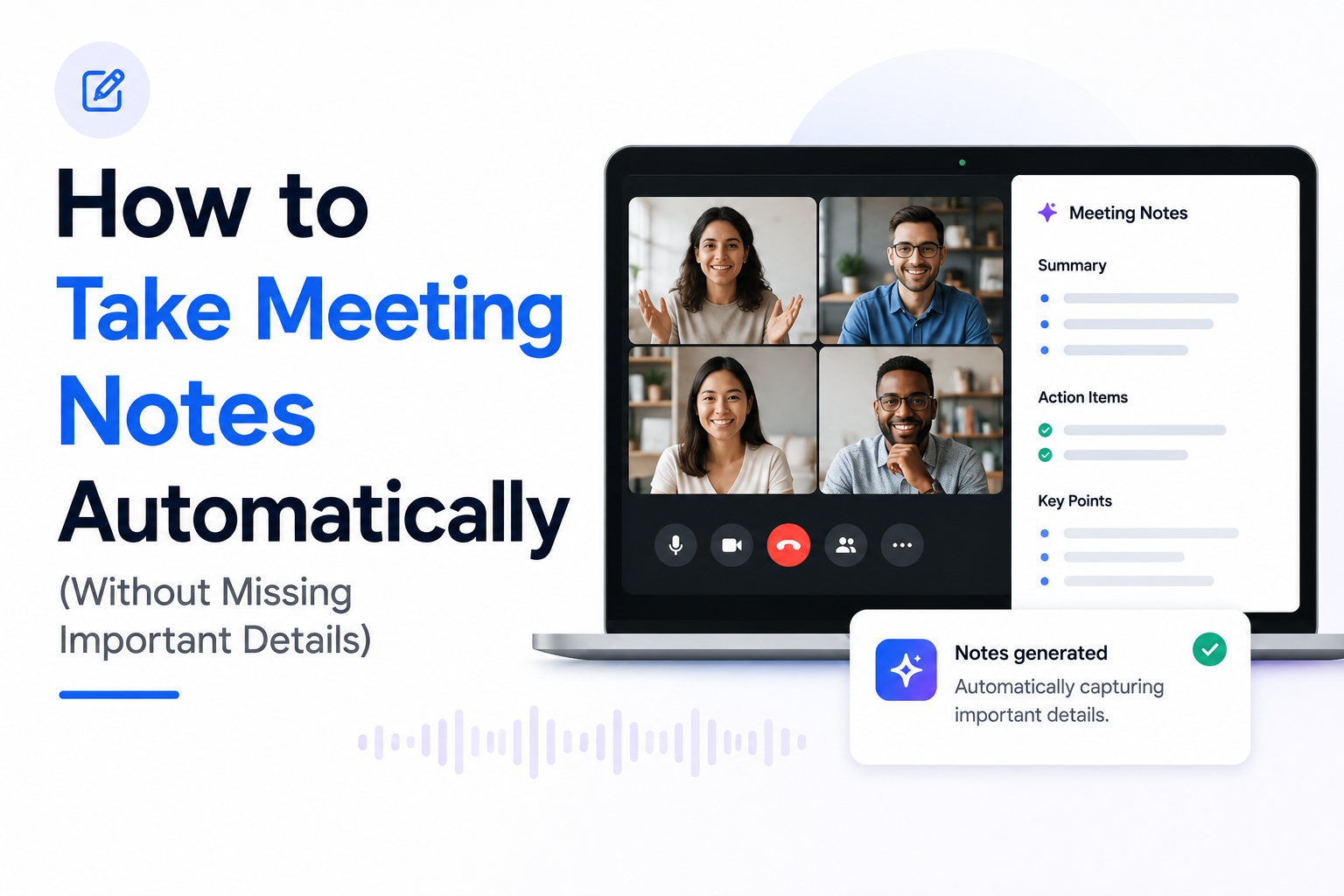
How to Take Meeting Notes Automatically (Without Missing Important Details)
Meetings are supposed to help teams make decisions and move work forward.
Instead, many people spend half the meeting taking notes and the other half trying to remember what was actually discussed.
The good news is that manual note-taking is no longer necessary. Modern transcription and AI tools can automatically capture conversations, generate summaries, and extract action items, allowing you to focus on the discussion rather than documentation.
In this guide, we'll explore how to take meeting notes automatically and the best tools available in 2026.
Why Manual Meeting Notes Are a Problem
Most people take notes for a simple reason: they don't want to forget important information.
Unfortunately, manual note-taking creates new problems.
You Miss Parts of the Conversation
While writing, you're often not fully listening.
Important details, decisions, or follow-up tasks can easily be missed.
Notes Are Often Incomplete
Many meeting notes end up looking like random bullet points rather than a useful record of the conversation.
Reviewing Notes Takes Time
After the meeting, someone still needs to organize, clean up, and share the notes.
This can take nearly as long as the meeting itself.
What Does Automatic Note-Taking Mean?
Automatic meeting note-taking typically combines three technologies:
Transcription
Speech is converted into text in real time.
AI Summarization
The transcript is condensed into a concise summary.
Action Item Extraction
Tasks, decisions, and follow-ups are identified automatically.
Together, these technologies create meeting notes without requiring manual effort.
Benefits of Automatic Meeting Notes
Focus on the Conversation
Instead of writing everything down, participants can fully engage in discussions.
Never Forget Action Items
AI tools can automatically identify tasks mentioned during meetings.
Search Previous Meetings
Need to find a decision made last month?
Searchable transcripts make it easy.
Share Notes Instantly
Summaries can be distributed to teammates immediately after the meeting ends.
Common Ways to Take Meeting Notes Automatically
There are several approaches available today.
Built-In Meeting Platform Features
Platforms such as Google Meet, Microsoft Teams, and Zoom increasingly offer note-taking and summarization features.
Pros
- Integrated into the platform
- Simple setup
- No additional software
Cons
- Often limited to premium plans
- Features vary between platforms
- Less flexibility
AI Meeting Assistants
Popular tools include:
- Otter
- Fireflies
- Fathom
These solutions typically join meetings and generate notes automatically.
Some browser-based meeting assistants can automatically transcribe meetings, generate summaries, and extract action items directly inside Chrome without requiring meeting bots.
For example, AI Meetings Assistant focuses on lightweight transcription and AI summaries for Google Meet, Zoom, and YouTube.
Pros
- Rich feature sets
- Collaboration tools
- Searchable meeting history
Cons
- Additional participant joins the meeting
- Setup can be more complex
- Privacy concerns for some organizations
For a detailed comparison, see our guide on Otter vs Fireflies vs Fathom: Which One Is Best in 2026?
Browser-Based Note-Taking Tools
A growing category of tools works directly inside the browser.
Instead of adding bots to meetings, browser-based assistants capture audio and generate transcripts and summaries locally within the workflow.
Pros
- Lightweight setup
- Fast workflow
- No additional meeting participants
- Works naturally inside Chrome
Cons
- Feature sets vary
- Browser support requirements
How Automatic Meeting Notes Work
A typical workflow looks like this:
Step 1: Join the Meeting
Open Google Meet, Zoom, Teams, or another meeting platform.
Step 2: Start Note Capture
Enable transcription or your preferred meeting assistant.
Step 3: Focus on the Discussion
Participate normally without worrying about documentation.
Step 4: Review the Transcript
After the meeting, review the generated transcript.
Step 5: Generate Summary and Action Items
AI organizes the conversation into useful meeting notes.
What Should Good Meeting Notes Include?
The most useful meeting notes typically contain:
Summary
A short overview of the discussion.
Key Decisions
Important decisions made during the meeting.
Action Items
Tasks assigned during the conversation.
Owners
Who is responsible for each task.
Follow-Ups
Questions or topics that need additional discussion.
Best Practices for Better Automatic Notes
Even the best AI tools benefit from clear audio.
Use a Good Microphone
Better audio produces more accurate transcripts.
Reduce Background Noise
Noise can significantly reduce transcription quality.
Avoid Speaking Over Others
Multiple people talking simultaneously creates challenges for every transcription system.
Review Important Meetings
AI-generated notes should be treated as a first draft for critical conversations.
Frequently Asked Questions
Can AI Take Meeting Notes Automatically?
Yes. Modern AI tools can transcribe conversations, generate summaries, and extract action items automatically.
Are Automatic Meeting Notes Accurate?
Accuracy depends on audio quality, speaker clarity, and the technology being used.
Most modern systems perform very well under normal meeting conditions.
Do I Still Need to Take Notes Manually?
For most meetings, automatic note-taking can significantly reduce or eliminate manual note-taking altogether.
Can AI Generate Action Items Automatically?
Yes. Many meeting assistants can identify tasks, owners, and follow-ups from meeting transcripts.
Final Thoughts
Taking notes manually made sense when meetings existed only as conversations.
Today, AI-powered transcription and summarization tools can capture discussions automatically, helping teams focus on collaboration instead of documentation.
Whether you use built-in meeting features, dedicated AI assistants, or browser-based tools, automatic meeting notes can save hours every week while making important information easier to find and share.
If you're exploring different note-taking solutions, you may also find these guides helpful: